 StockDesk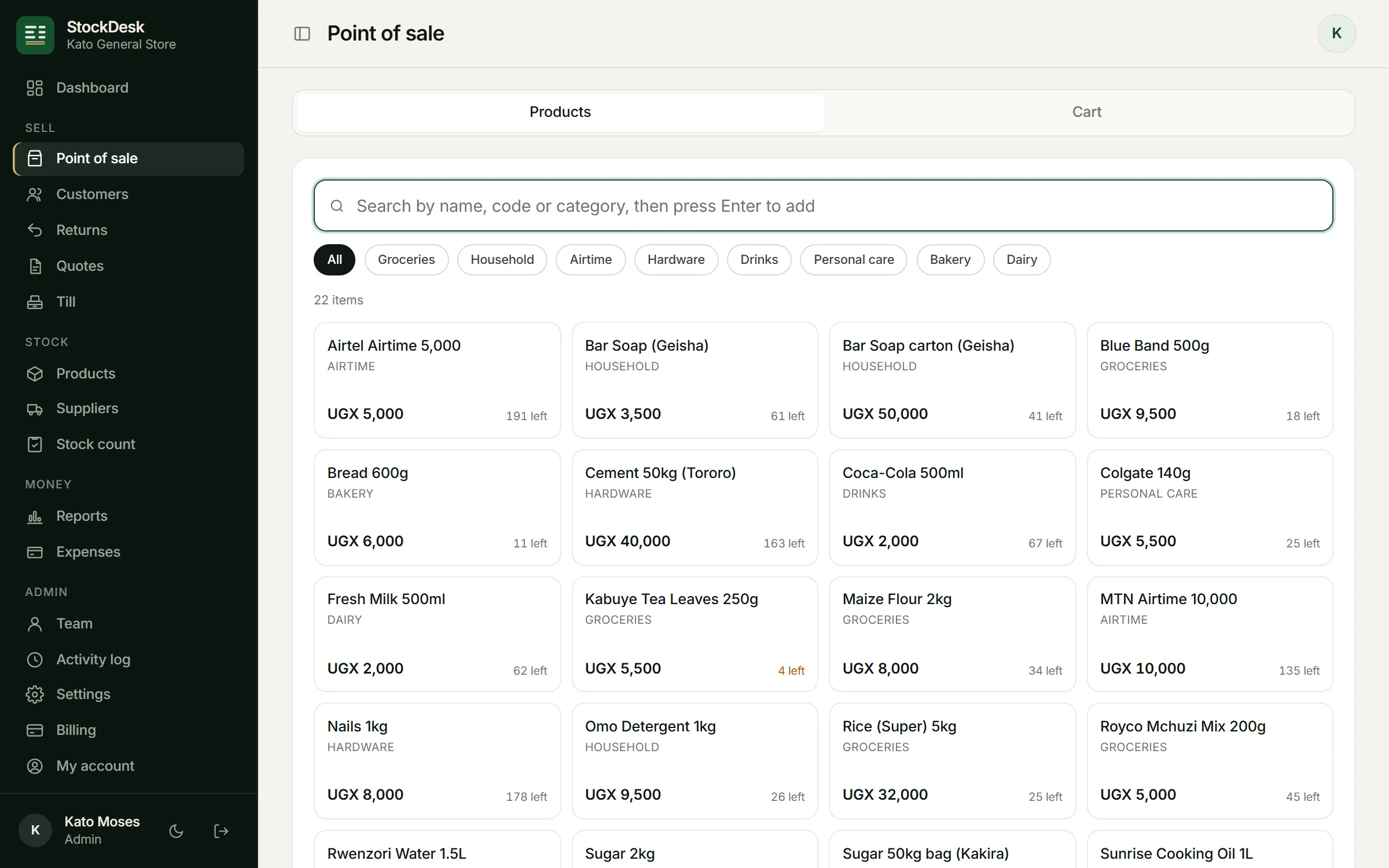
What a POS system does for your shop
A POS system replaces the receipt book and the notebook. Every sale is recorded with the time, the items, the price and the person who sold it. Stock goes down by itself, and at closing you can see what you sold, what you made and how much cash should be in the drawer.
StockDesk does this from a web browser, so there is nothing to install and nothing to buy before you start.
Built for how shops here work
- Keeps selling when the network drops. Sales are saved on the device and sent when the connection comes back, with nothing counted twice.
- Every way to pay: cash, MTN MoMo, Airtel Money, card, credit on a customer's account, or one bill split between them.
- Prices in shillings, with no cents, and days that close on Kampala time.
- Receipts on 58mm, 80mm or A4 paper, or as a PDF sent to the customer on WhatsApp, with your logo at the top.
- Retail and wholesale prices that the till picks for each customer, plus loyalty discounts and agreed special prices.
- Customer credit with limits and due dates, and reminders on WhatsApp with the exact balance.
What you need
Any Android phone, iPhone, tablet or computer with Chrome, Edge or Safari. A thermal receipt printer and a USB barcode scanner are optional; the ones sold in Kampala work. You can add StockDesk to your home screen or desktop so it opens like an app.
Control when you are not at the counter
- Each cashier signs in with their own account, so every sale has a name on it.
- You set the biggest discount staff can give, and StockDesk refuses sales below cost.
- Count the till at closing: StockDesk shows straight away whether the cash is short or over.
- The activity log shows who sold, refunded, changed a price or edited stock, and when.
What it costs
Every new shop gets its first month free with every feature, and you do not need a card or Mobile Money to start. After that, plans start at UGX 15,000 a month, paid with MTN MoMo or Airtel Money. See all plans.
Questions
Does StockDesk work without internet?
Yes. You can keep selling when the network goes off. Sales are saved on the device and sent automatically when the connection returns, and each sale carries its own reference so nothing is counted twice.
Can I use my phone as the till?
Yes. StockDesk works on any Android phone or iPhone. Many shops use a phone at the counter and a computer in the office, signed in to the same shop.
Which receipt printers work?
Any printer your device can print to, including 58mm and 80mm thermal printers and normal A4 printers. You can also skip paper and send the receipt on WhatsApp.
How long does setup take?
Creating your shop takes about two minutes. Adding products takes from ten minutes, or less if you import them from Excel.
Try StockDesk free for a month
Set up your shop in about two minutes. No card needed, and you can pay later with MTN MoMo or Airtel Money.
Start your free month